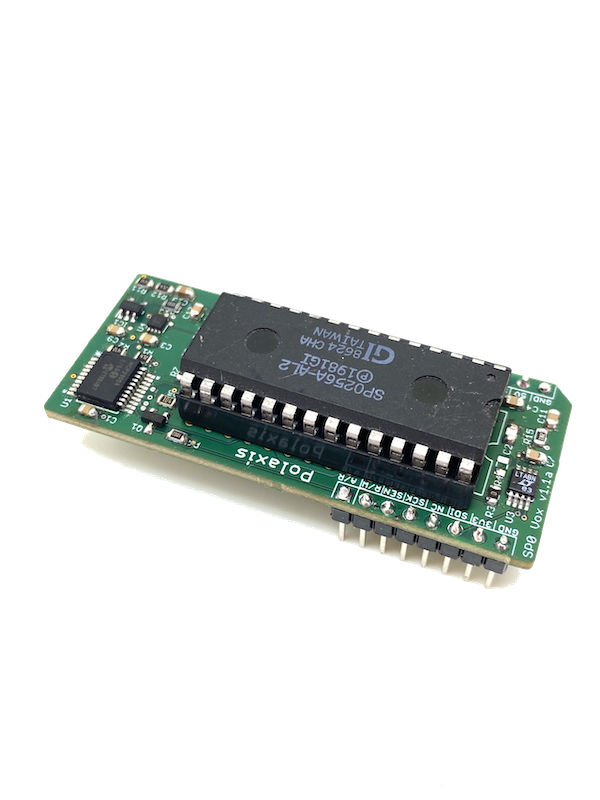
|
SPOvox translator |
Version 1.0.1
- Type English text; it is converted to approximate IPA, then mapped to SP0256-AL2 allophone labels for the SPOvox firmware running on Kraftor. MIDI Note On uses note = 36 + index into that table (channel matches your device; default Web MIDI channel 1).
- Consonants are blue badges; vowels and vowel-like allophones are red dropdowns so you can swap sounds quickly.
- The Phoneme Controls panel sets per-token note duration (in ms), velocity, and PitchBend (Pitch): the slider shows the LTC6903 master clock control value 0–1023 used by the firmware; MIDI sends it as pitch bend.
- Connect MIDI Device then Send MIDI Notes plays the sequence over Web MIDI (Chrome/Edge). With the text field not focused, Space sends the sequence.
- Download MIDI saves
SPOvox.midfor your DAW—no MIDI hardware required. Export keeps the same Note On timing as live send and avoids trailing stop events.
IPA Phonemes:
həˈloʊ
SP0256 allophones:
HH1
AX
LL
OW
🎵 MIDI Controls
Send MIDI notes to SPOvox hardware or Kraftor running the SPOvox firmware, or download a .mid file for your DAW.
🎛️ Phoneme Controls
Adjust controls, then press Send MIDI Notes (or press Space)