|
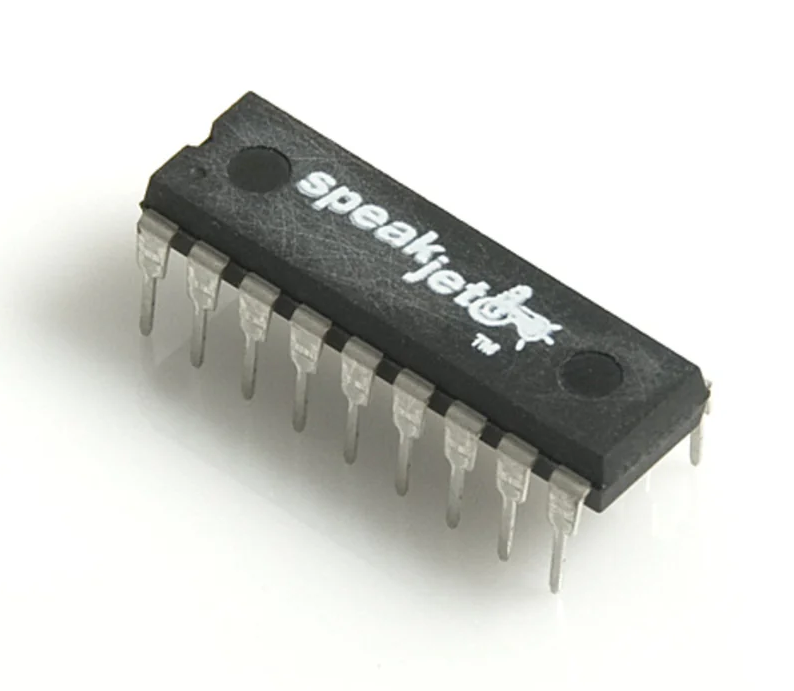
SpeakJet Translator |
Version 1.0.1
How it works
- Type English text; it is converted to approximate IPA, then mapped to SpeakJet allophones (channel 1, notes 36–107, IDs 128–199). Consonants are blue badges; vowels are red dropdowns so you can swap sounds quickly.
- The Phoneme Controls panel sets per-token delay to next (ms from this phoneme’s Note On to the next phoneme’s Note On—the same spacing as in the MIDI file), velocity, bend (shown 0–15, sent as MIDI CC1 0–127), speed (MIDI CC5, 0–127), and pitch: slider is the firmware-mapped chip range 20–255; MIDI sends it as pitch bend (14-bit, -8192 to +8191). The readout is the resulting chip value.
- Connect MIDI Device then Send MIDI Notes plays the sequence over Web MIDI (Chrome/Edge). With the text field not focused, Space sends the sequence.
- Download MIDI saves
Speakjet.midfor your DAW—no MIDI hardware required. Exported notes are one-tick triggers, so piano rolls show a clean sequence.
SpeakJet commands 20–23 (what each slider means)
These follow the chip’s command numbers. In this app, the same numeric ranges are sent over MIDI (volume as Note On velocity; speed, bend, and pitch via controllers—pitch uses the firmware's 20–255 mapped range over MIDI pitch bend).
Sets the master volume level. Range 0–127; default 96. A value is sent with the command to select the level.
Here: Note On velocity per phoneme.
Sets play speed. Range 0–127; default 114. A value follows the speed command.
Here: MIDI CC5 per phoneme.
Sets vocalization pitch (what makes the voice sound higher or lower). For singing, the datasheet cites about three octaves (32 Hz–240 Hz). Pitch only affects voiced sounds. Range 0–255; default 88. 0 means 0 Hz and will not really vocalize; values under ~30 tend to sound clicky rather than voice-like.
Here: slider shows 20–255; sent as MIDI pitch bend (14-bit), matching the firmware's mapped range.
Sets frequency bend: adjusts oscillator output frequencies so voicing shifts from a deep, hollow character toward a high, metallic one. Range 0–15; default 5. A value follows the bend command.
Here: slider 0–15; sent as MIDI CC1 mapped linearly to 0–127.
🎵 MIDI Controls
Send MIDI notes to your SpeakJet synthesizer, or download a .mid file for your DAW.
🎛️ Phoneme Controls
Adjust controls, then press Send MIDI Notes (or press Space)